How to Export Office 365 Mailbox to Outlook PST with Office 365 to PST Tool

Searching for perfect solution to know how to export Office 365 mailbox to Outlook PST? But facing difficulties and different hurdles during googling. Now relax and read this write up that will help for Office 365 to PST migration without any problem.
A user who knows all technical detail of Exchange online platform can execute this task. Now, we are going to start with the explanation of the solutions to export Office 365 emails to PST.
Also read –
How to Import PST File in Office 365
Users usually save Office 365 data to PST, but because O365
doesn’t have direct option to save mailboxes, therefore, sometimes users face lots of problems to do this task. Still, users try to save data
in PST to access O365 data for future references.
User Query
I have 269+ business accounts of office 365 and I am having need to know how to export emails from Outlook 365 to PST for Outlook 2016. After trying many times, I could not succeed in doing it. Please help to solve this task and export O365 account emails to PST.
Solution to Resolve how to Export Office 365 Mailbox to Outlook PST
If you are thinking about how to export emails from Outlook 365 to PST then we recommended the BitVare Software’ Email backup software that has all smart functions to directly export Office 365 emails to PST Outlook. The program can also convert all emails from Office 365 to PST directly in one time go. It can migrate unlimited data without alteration of any information. Additionally, it is designed with well-developed functions which provide accurate, simple, & safe data migration outcome with 100% accuracy.
Moreover, the Office 365 to PST tool not only export Office 365 emails to PST, but it even save O365 emails to PDF, MBOX, Gmail, iCloud, Exchange Server, Office 365, Yahoo Mail, IMAP Server, etc. The program supports very simple GUI that has effective & simple process for Office 365 export mailbox to PST 2021 & other below. To know how to Office 365 export emails to PST in simple steps, firstly download the software and then follow the given process –

- First of all, launch the software on your computer screen.
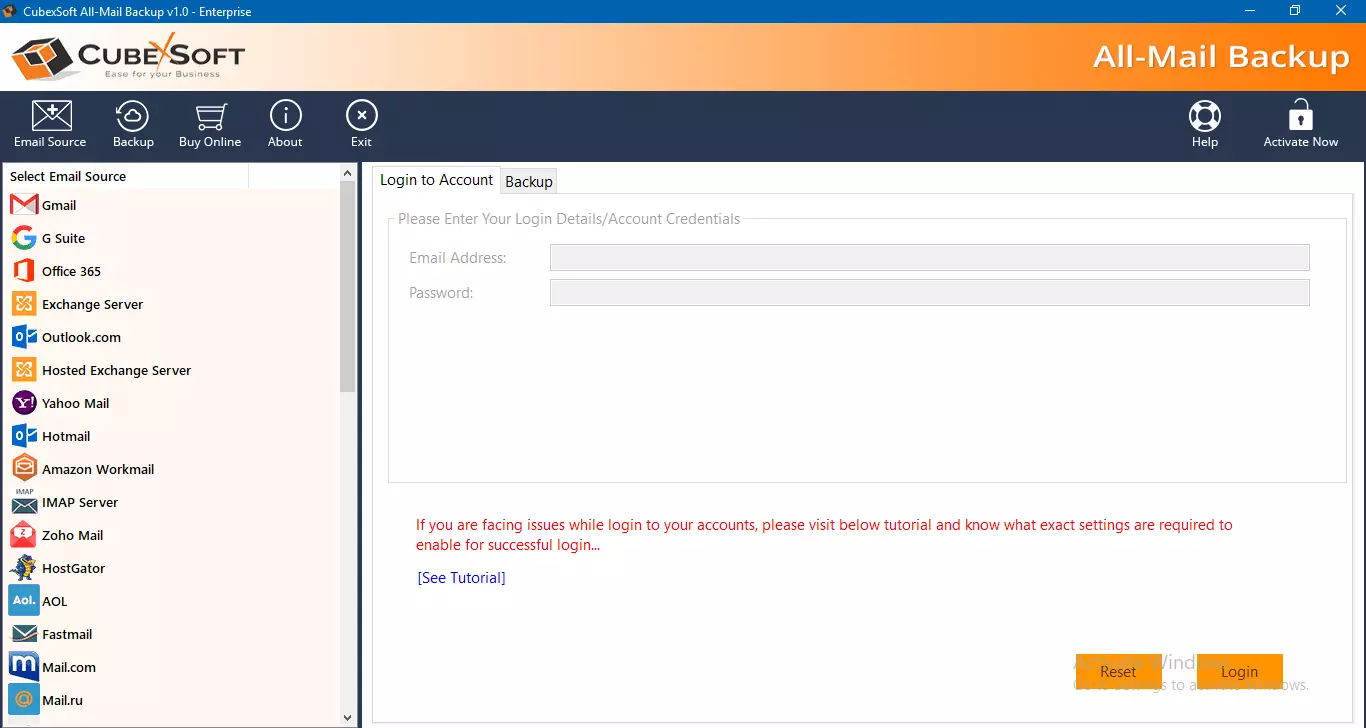
- Then select Office 365 as your source webmail account from the left side webmail lists of the software.
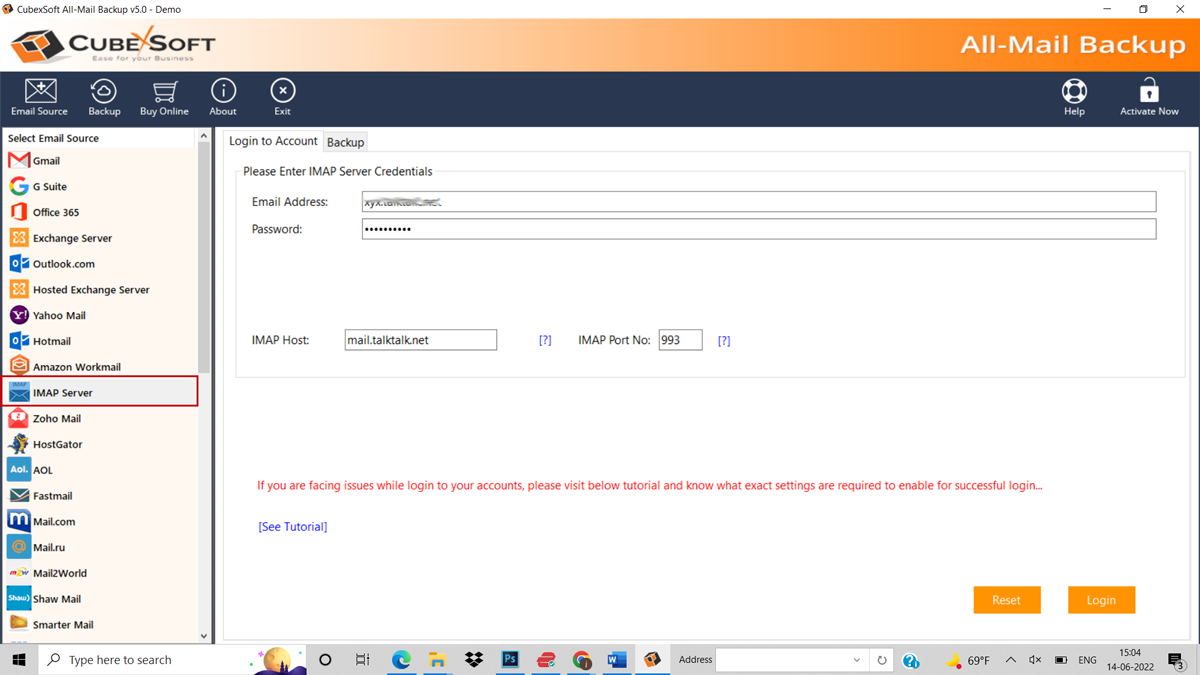
- Then fill information of login details and click on login button.
- After that, the software loads all data and display them in a tree structure with checkboxes.
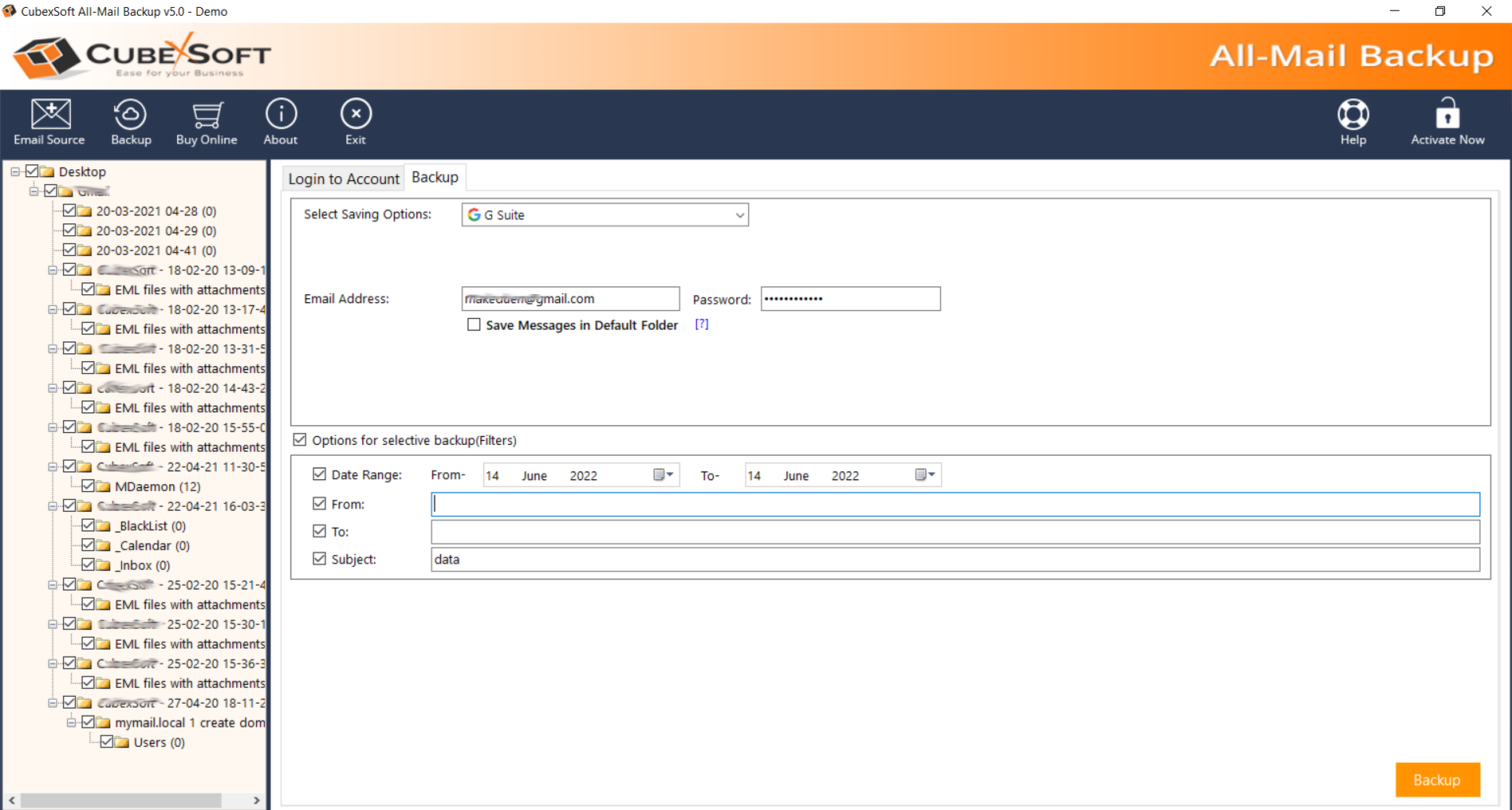
- Mark & unmark on the mailboxes of the Office 365 data. Choose PST as your saving option.
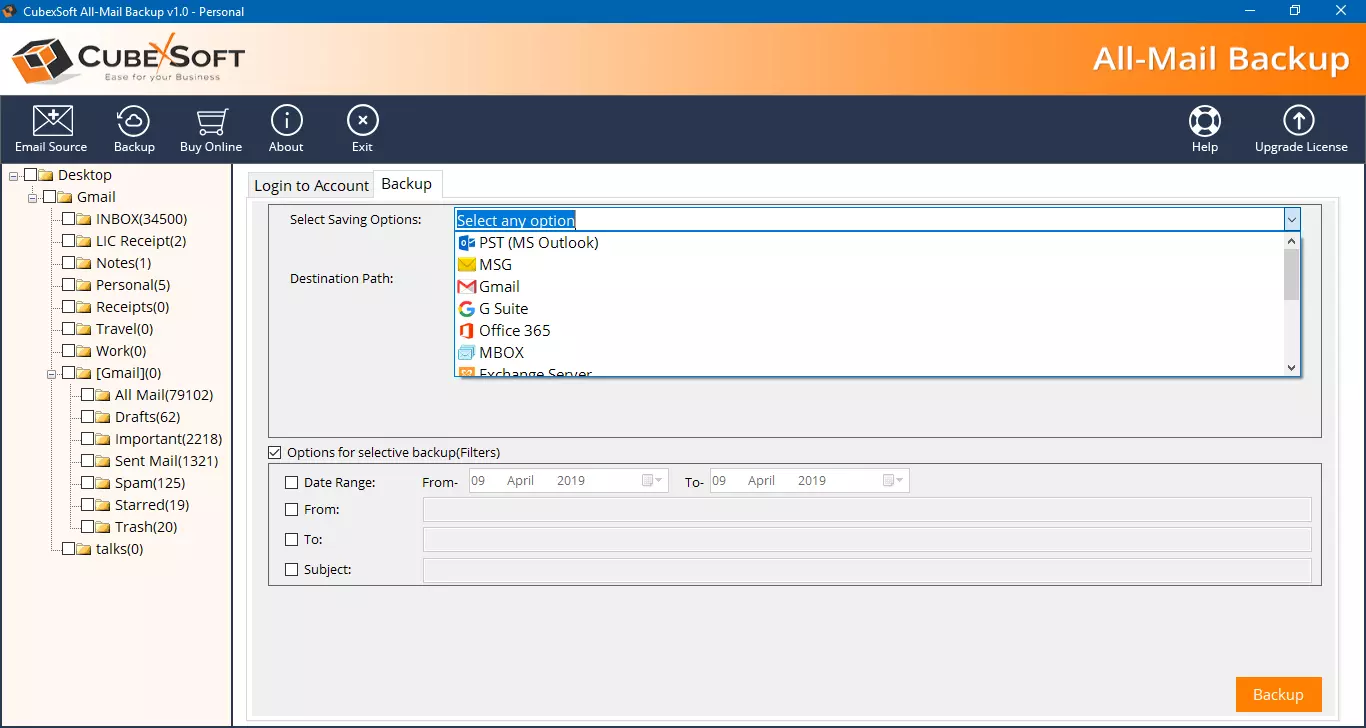
- You can also apply filters from multiple filters. Click on backup button to start the process.
- Migration process will start with progress status bar and complete it with a successful note.
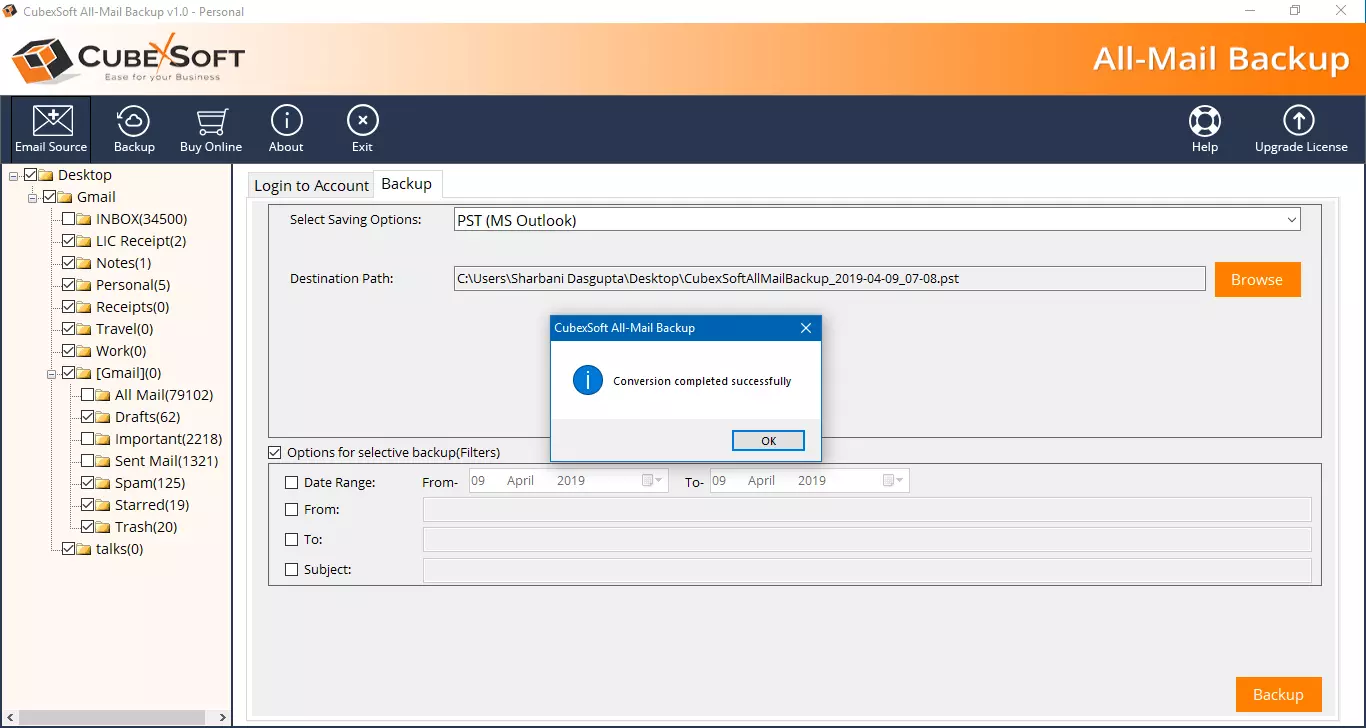
After completion the process, navigate to the Office 365 account and check your migration outcome. It will complete and assured with 100% accuracy. Lets know its complete functionalities.
Features of Office 365 Mailbox to PST Export tool
- Batch approach – We understand the value of time so it has batch approach that can export all mails data from Office 365 to PST without misplacing any details. The tool has advanced process so also works smoothly & quickly.
- Multiple Filters – The O365 to PST migration tool has multiple filters facilities that helps to convert specific Office 365 data to PST for Outlook without alteration of data.
- Supports all Outlook edition – The Office 365 export to PST tool is a smart & developed program that has efficiency to work for all Outlook editions – 2021, 2019, 2016, 2013, 2010 & 2007. Therefore, effortlessly export mailbox to PST 2021, 2019, 2013, 2016, 2010 & 2007 Outlook.
- Preserves all Mail Properties – The tool is rapid solution that is amazing program to solve how to export Office 365 mailbox to Outlook PST without missing any details. It can save export O365 emails to PST with attachments, formatting, images, hyperlinks, etc.
- Direct Migration – We know Office 365 & Outlook both have no export or import option so there is no direct migration option but the Office 365 to PST converter provides opportunity to directly migrate Office 365 emails to PST and then you can easily import resultant files in Outlook by File Menu >> Open & Export >> Import/ Export >> process.
- Compatibility in all Windows OS – The Office 365 mailbox to PST tool supports all Windows OS so you can simply work on Windows 11, 10, 8.1, 8.0, etc. It is simple & quick data migration solution of Outlook 365 to PST for Outlook.
- Free Demo Edition – The Outlook 365 export to PST tool is well-developed program that has all beneficial functions i.e. Free demo edition is one of them, it can export 25 Office 365 emails to PST at free of cost. So you can also know about its working efficiency.
Conclusion
We has explained a competent data migration solution that can easily sort out how to export emails from Outlook 365 to PST problem. If you have any doubt or problem then you can download the program and export 25 emails from Office 365 to PST Outlook at free of cost. Try and clear entire doubts for exporting Outlook emails to PST.